Indie Games: How AI Tools Level the Playing Field
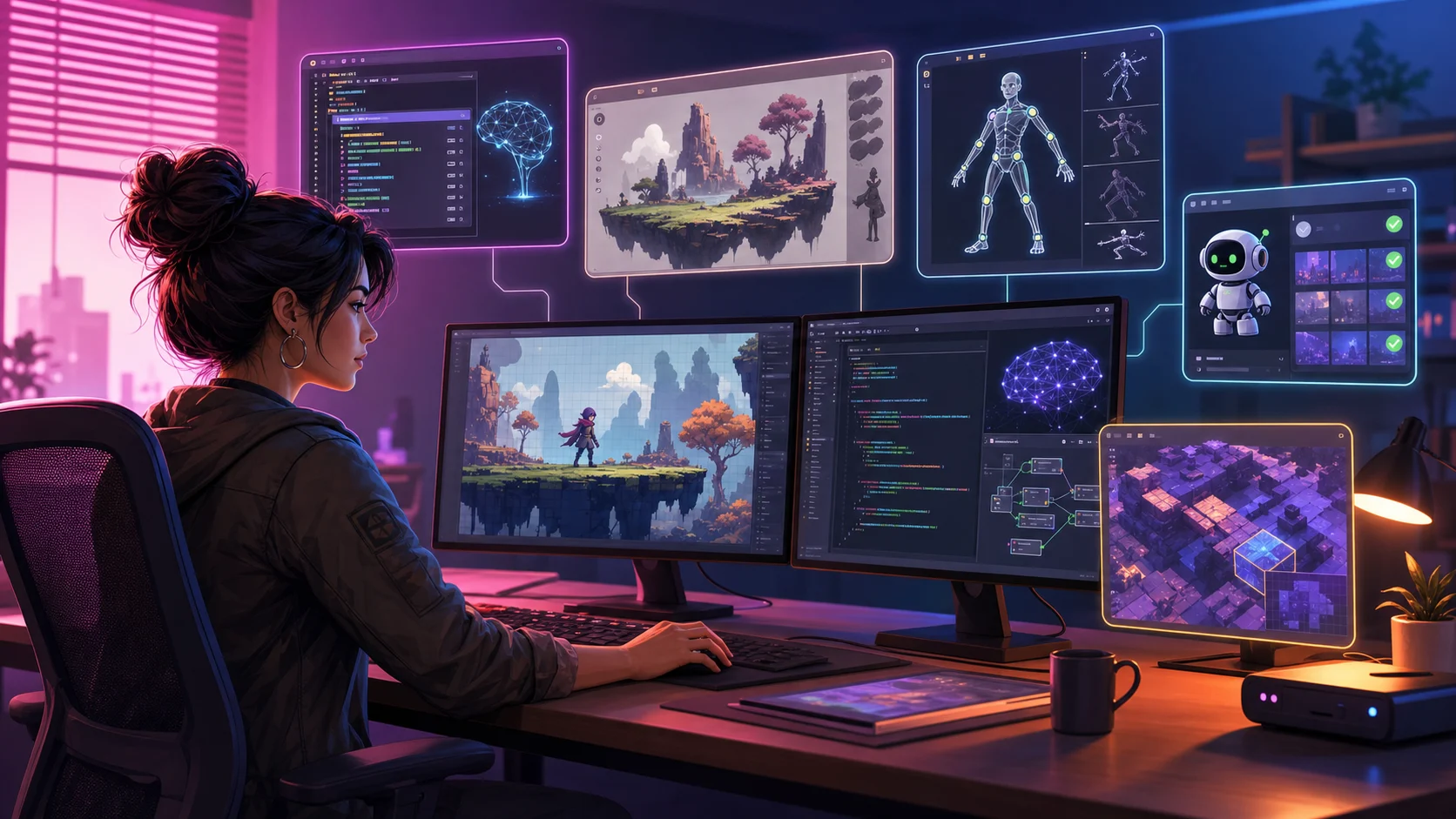
The world of game development is undergoing a significant shift that is changing how Indie Games are created. Not too long ago, bringing a rich, playable universe to life could require a large studio budget and a team of specialists working around the clock. Today, individual creators are launching incredibly polished projects from their bedrooms, sometimes reaching a level of polish once associated with much larger teams. The sudden accessibility of advanced software assistants is changing the production process, allowing raw creativity to outpace deep corporate pockets.
Reclaiming Your Sanity While Building a Game Alone
Back in the day, flying solo on a project meant giving up your entire life outside of a computer screen. You had to act as the programmer, the artist, and the sound designer all at once, constantly jumping between messy code scripts and drawing tiny visual details. Because hours were limited, creators had to make massive compromises.
That pressure is exactly why early Indie Games usually stuck to ultra-simple mechanics and flat pixel art. Cutting corners was the only way to actually ship a finished product without burning out completely. Now, that specific roadblock has become easier to manage. Instead of wasting months just figuring out basic player physics or getting a character to jump right, creators can assemble and test an experimental prototype much sooner.
Writing Code Without the Formatting Headaches
Staring at a script editor is easily the most frustrating part of game development if you are an artist or a writer. You just want to build cool levels, but instead you spend four hours hunting down one missing bracket. It completely kills your motivation and makes you want to quit for the day. Modern code editors have gotten really good at stopping this headache. They look at what you are typing, guess your goal, and finish the line for you. It works like predictive text on your phone, which keeps you from making silly syntax typos.
Linking different game systems together is also incredibly tedious. Making a camera shake when a player gets hit or connecting a simple health bar requires a lot of repetitive setup. Instead of digging through old forum threads or watching long video tutorials, you can just write out what you need. The software can draft a script for a double jump or a main menu, but the developer still needs to review and test it. It does the boring background wiring for you, allowing you to build complex features completely on your own.
Getting Past the Blank Canvas of Game Art
Making a game look good is a financial nightmare. When you are working alone, you face a brutal choice. You can spend two years drawing thousands of background tiles and interface icons by hand, which guarantees burnout. Your other option is buying cheap online asset packs, which usually makes your game look like a generic clone. It is incredibly hard to get noticed in the massive sea of Free Games if your project looks identical to everyone else's. Hiring a freelance illustrator solves the style problem but instantly drains your bank account, leaving you with a beautiful world that has no actual gameplay coded yet.
Using text-to-image tools for rough placeholder graphics can ease this bottleneck during prototyping. You type a description and instantly get mockups of menus, backdrops, and inventory icons. It works like a rapid sketching partner rather than a final solution. You can drop these temporary assets into your test builds to see if the mechanics are actually fun before committing to final production. It reduces the volume of finished art needed before the team knows whether the core mechanics work. Creators still need to verify usage rights and establish a consistent final art direction.
Letting Code Build the Background While You Focus on the Details
Sticking hundreds of trees and streetlights into a giant digital map is an easy way to waste an entire year of your life. When you are the only person working on a project, hand-placing every single rock or chair feels like absolute torture and kills your creative drive. That is why so many creators now use rule-based generators to build out massive landscapes on the fly. Instead of constructing everything brick by brick, you just define the basic settings like the climate, height, or building style, and the software does the actual physical layout for you.
Working this way lets you build massive, detailed maps that would usually take an entire team of landscape artists to finish. The computer takes care of the repetitive chores like planting thousands of trees, scattering rocks, and aligning floor grids. Since the software does the heavy lifting on the background filler, you can spend your actual energy hand-crafting the crucial story locations and puzzle rooms. It keeps the game world looking polished and grand without forcing you to spend three years dragging and dropping assets.
Making Characters Move Without Losing Your Mind
Making characters move naturally is a giant pain. If your protagonist runs around like they have a wooden board taped to their spine, players are going to lose interest immediately. But drawing every single step, jumping, and rolling by hand is a massive time sink when you are working on your own. Most of us are not trained animators, so trying to figure out how joints bend usually ends up looking incredibly stiff.
That is where automated rigging and animation-retargeting tools can help. Forget about clicking and dragging thirty different digital joints just to make an arm bend. These tools can place a starting skeleton and transfer existing motions, although artists still need to correct joints, weight painting, and unusual poses. Reducing that repetitive setup leaves more time for animation cleanup and character design.
- Skeletons snap onto your characters without manual dragging.
- Feet adjust to slopes so characters do not sink into the ground.
- Basic actions like running can be applied with a single click.
Dodging the Nightmare of Manual Playtesting
Finding every collision glitch can take many hours of manual play. A solo developer rarely has that kind of time. You also become blind to your own work. Since you built the levels, you subconsciously avoid the exact spots and button sequences that cause crashes, making it even harder to find the bugs yourself.
Automated test scripts reduce this workload by repeating routes, inputs, and edge cases. You get to unleash virtual players inside your maps and let them actively try to break your physics. They will sprint into corners, mash buttons simultaneously, and find the weird lag spikes a human tester would miss. The test runner can report reproducible failures, which helps the developer investigate them before release.
How to Find the Next Big Creative Hits
Making video games has gotten so much easier that we are seeing a massive wave of experimental Indie Games pop up online. You don't have to keep buying the same repetitive corporate sequels that the giant studios copy and paste every year. When you want to play something fresh without spending a penny, digging through collections of Free Games is your best bet. Those pages are packed with creative ideas made by single creators who finally have the tools to make their projects look and play great.
Look at browser-based hubs to see how fast this whole scene is moving. Platforms like Mopoga help with discovery because they let you play right in your browser instead of making you sit through massive downloads or delete other apps to free up storage. Browsing those libraries shows how much a single person can build when they have smart tools helping them. The industry is shifting fast, making it obvious you do not need a massive team or a huge budget to make a game people will love.