Where to Find Free Browser Games That Are Actually Good
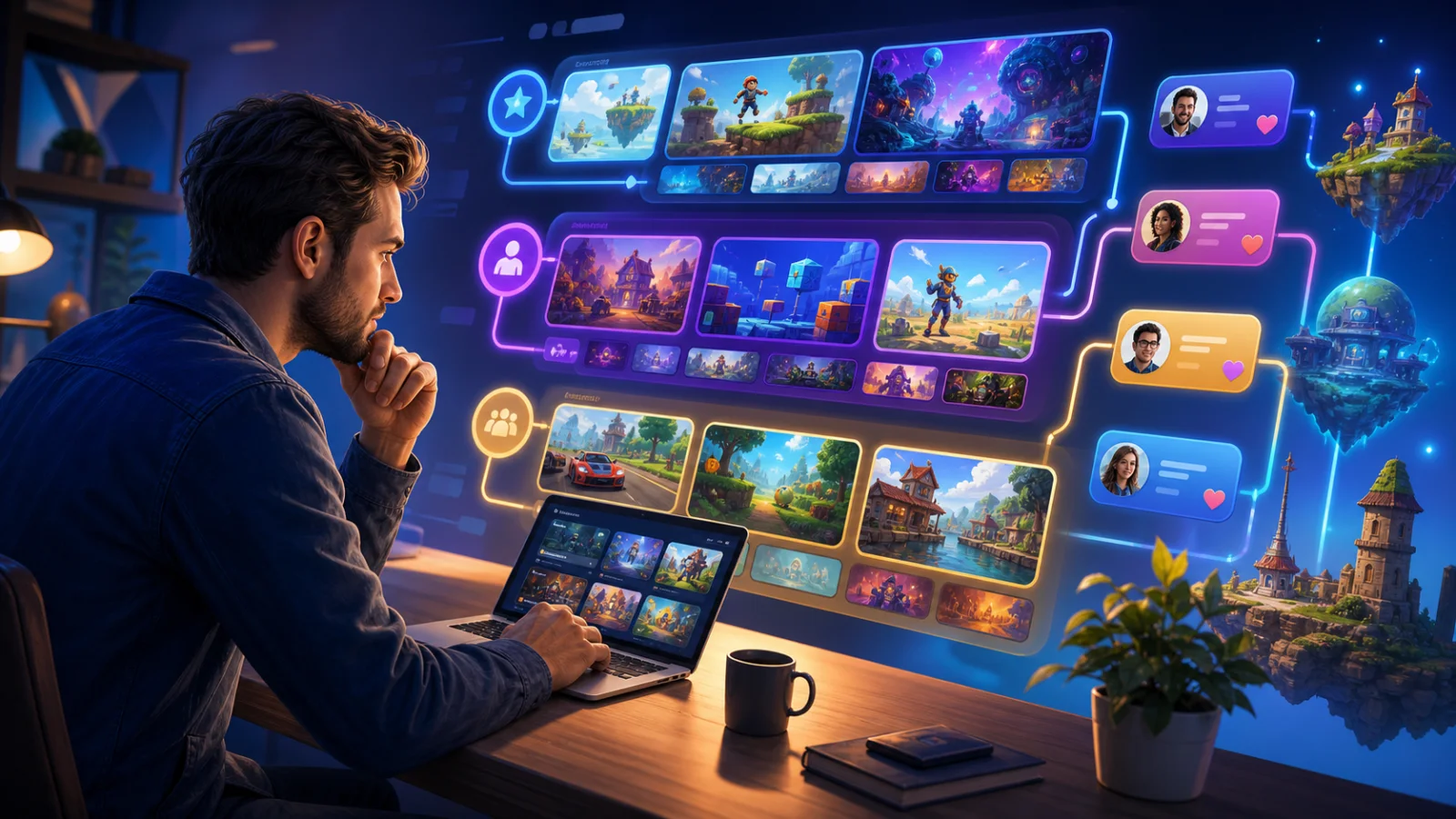
Searching for something quick to play can lead to cloned portals, abandoned projects and pages where the game is harder to find than the advertising around it. The better approach is to look where independent creators publish their own work, where communities document interactive fiction, and where curated collections make it easier to compare free browser games before opening one.
Start With Creator-Led Platforms
Itch.io's HTML5 catalogue remains one of the most useful starting points because developers control their own project pages. Its browser-playable filter covers finished releases, game-jam entries, prototypes and unusual experiments that may never appear on a large commercial storefront. A project page can also show update notes, comments and the creator's other work, which gives you more context than a thumbnail alone.
The open nature of the platform means quality varies, so filters matter. Search by the HTML5 tag, sort by recent ratings or popularity, and then read a few comments before committing to a longer game. Game-jam collections are especially good when you want a short session built around one clear mechanic.
Use Interactive-Fiction Communities for Story-First Games
If you care more about writing and choices than fast action, dedicated interactive-fiction resources are more efficient than a general game search. The Interactive Fiction Database catalogues parser games, choice-based stories and older works, while itch.io's interactive-fiction tags surface newer projects. Communities built around Twine, ChoiceScript and similar tools can also point you toward authors whose work matches your preferred genre.
These games do not need demanding hardware, but that does not make them mechanically simple. Variables can track relationships, inventory, previous decisions and hidden conditions across a large branching structure. The strongest examples give choices clear consequences instead of merely changing the next line of dialogue.
Look for Web Demos and Game-Jam Builds
Browser demos are useful because they let you test an idea before downloading or buying a larger release. Developers often publish a compact web build to demonstrate a movement system, puzzle concept or early narrative chapter. Personal developer sites, itch.io pages and game-jam submission lists are better places to find these builds than random mirror sites.
A rough prototype should not be judged by the same standard as a finished game, but it should still explain its controls and current limitations. A recent development log is a good sign that the creator is still fixing bugs and responding to feedback.
Find Mobile-Friendly Games by Checking the Page, Not the Label
A web game may open on a phone without being comfortable to play there. Before starting, check whether the project page mentions touch controls, portrait or landscape orientation, and mobile-browser testing. Screenshots can reveal whether buttons and text will remain readable on a small display.
Browser games avoid a separate installation, but they still download assets and may cache files locally. Performance depends on the game, browser and device. Lightweight puzzle games and text adventures usually adapt well to mobile play; complex 3D projects may need newer hardware or a desktop browser.
Explore Visual Novels and Anime-Inspired Games
Visual novels are a natural fit for browser play because their core ingredients—text, portraits, music and choice menus—can work within a compact interface. Engines and frameworks such as WebGAL, Twine and web-export options for established development tools have made direct browser releases more practical.
Use tags for visual novels, interactive stories and anime-inspired games, then narrow the results by theme. Look for a clear content description, readable screenshots and an update history. Relationship systems and branching character routes can vary widely in tone, so the description matters more than the art style alone.
Use Curated Collections When You Want a Faster Choice
Open creator platforms are excellent for exploration, but their size can be overwhelming. A focused collection such as Mopoga reduces the search space by organizing browser-playable visual stories, role-playing games and simulations in one place. Curation does not replace checking an individual game's description, but it can make it easier to find a relevant starting point.
When comparing any collection, check whether links work over HTTPS, whether the page explains what kind of game you are opening, and whether navigation is clear on both desktop and mobile. Those details matter more than a huge catalogue count.
How to Judge a Browser Game Before Playing
A useful project page should tell you what the game is, how it plays and whether it is finished. Screenshots should match the current build. Controls, mobile support and save behavior should be stated rather than left to guesswork. Version notes and recent comments can reveal persistent technical problems.
- Prefer HTTPS pages and known creator or curation platforms.
- Check the latest update date and whether the project is complete.
- Confirm touch support before opening a game on a phone.
- Look for clear controls, save information and content descriptions.
- Close pages that disguise advertisements as play or download buttons.
Distinguish Original Project Pages From Mirrors
A browser game may appear on several sites, but those copies are not always equivalent. The creator's own page is the best place to confirm the current version, controls and known issues. A legitimate curated page should identify the game clearly and send players to the intended destination without pretending to be the developer.
Be cautious when a page removes the creator's name, displays an old build or asks for browser permissions that the game does not reasonably need. Notifications, camera access and clipboard access are not normal requirements for most casual games. If a permission request does not match the gameplay, decline it and return to a known project page. This check takes less time than troubleshooting an unreliable mirror later.
Once you find a few dependable sources, bookmark the collection pages and creators you trust. The best browser-game library is not necessarily the largest one; it is the one that consistently helps you find a suitable game without wasting the first half of your break.