Mopoga Browser Game Help and How-Tos
Practical help with browser-game performance, saves, mobile loading, HTML5 and the technology behind interactive stories.

Browser Games vs Cloud Gaming: Where Code Runs
Compare where code runs, input latency, hardware, and data use.
Browser Game Controls Not Working? Check Focus, Keyboard, and Touch Input
Check focus, keyboard shortcuts, touch gestures, and overlays.
Cozy Browser Games for a Relaxing Break
Gentle building, plant care, puzzles and short stories for low-pressure play.
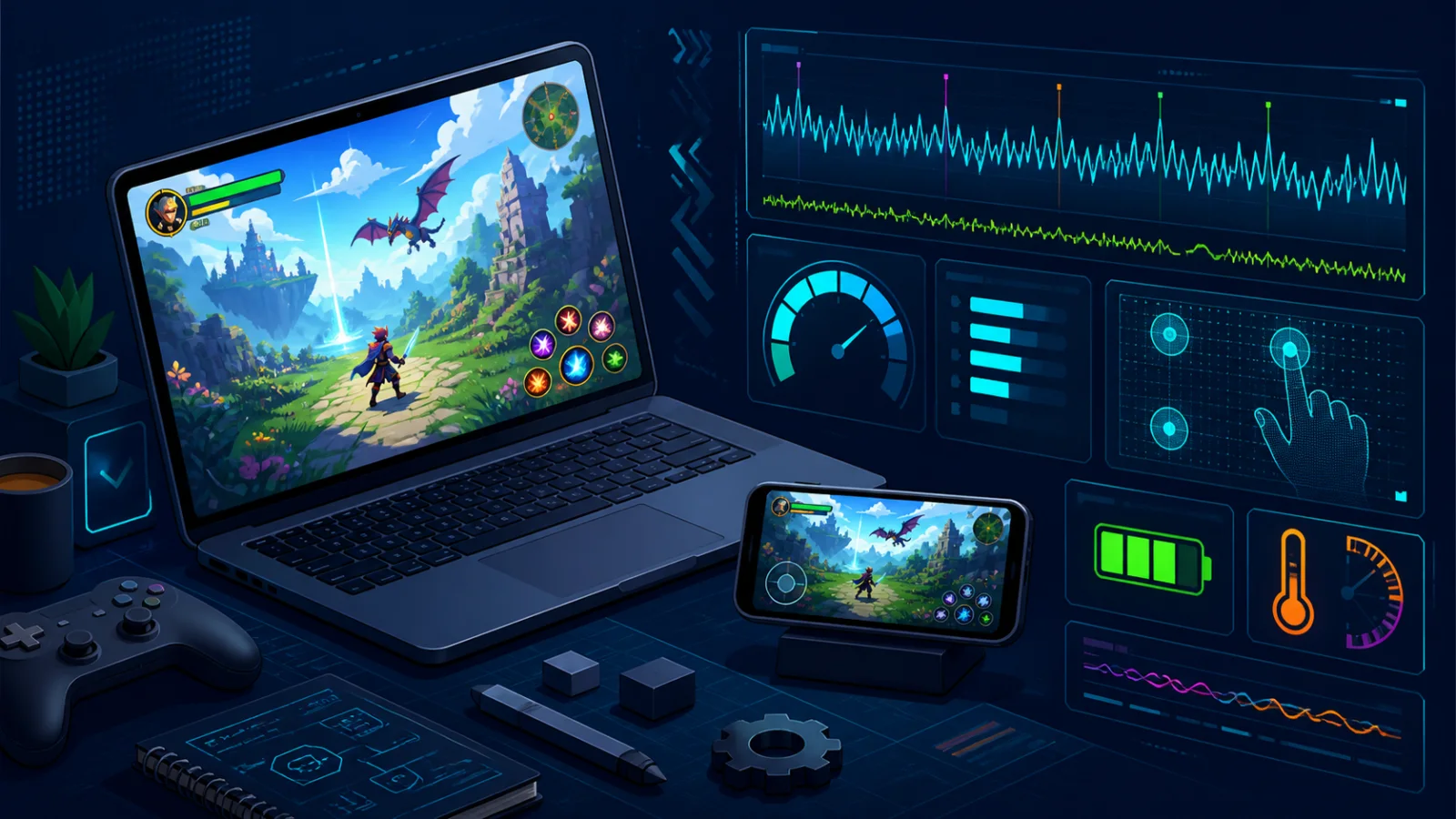
How to Test Browser Game Performance
A repeatable 10-minute check for loading, controls, saves, memory and stability.
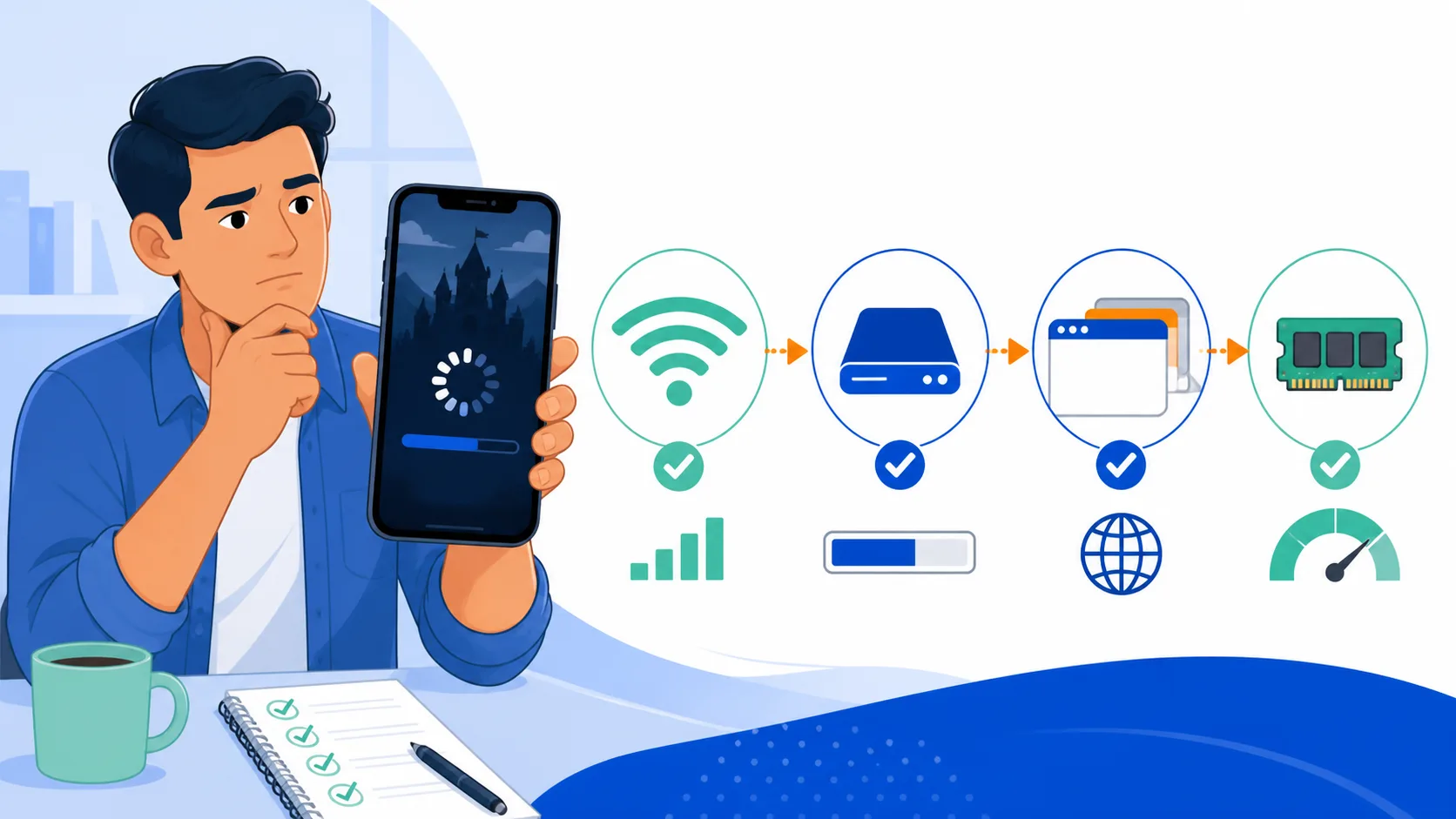
Browser Games Not Loading on Mobile?
Ten practical checks, ordered to protect local saves while you diagnose the problem.
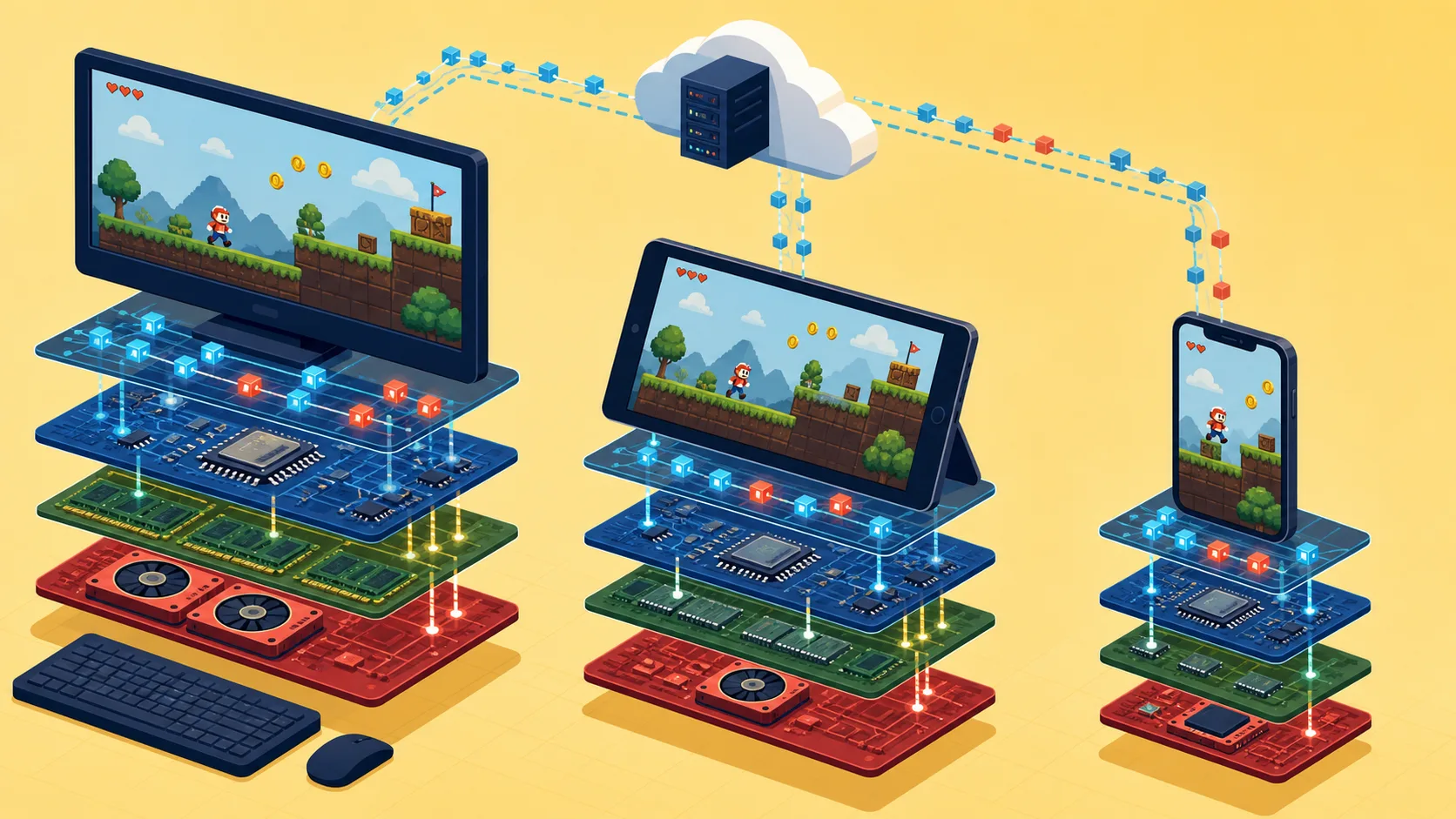
Why HTML Games Vary Across Devices
Network, memory, graphics, input and storage can all change the result.
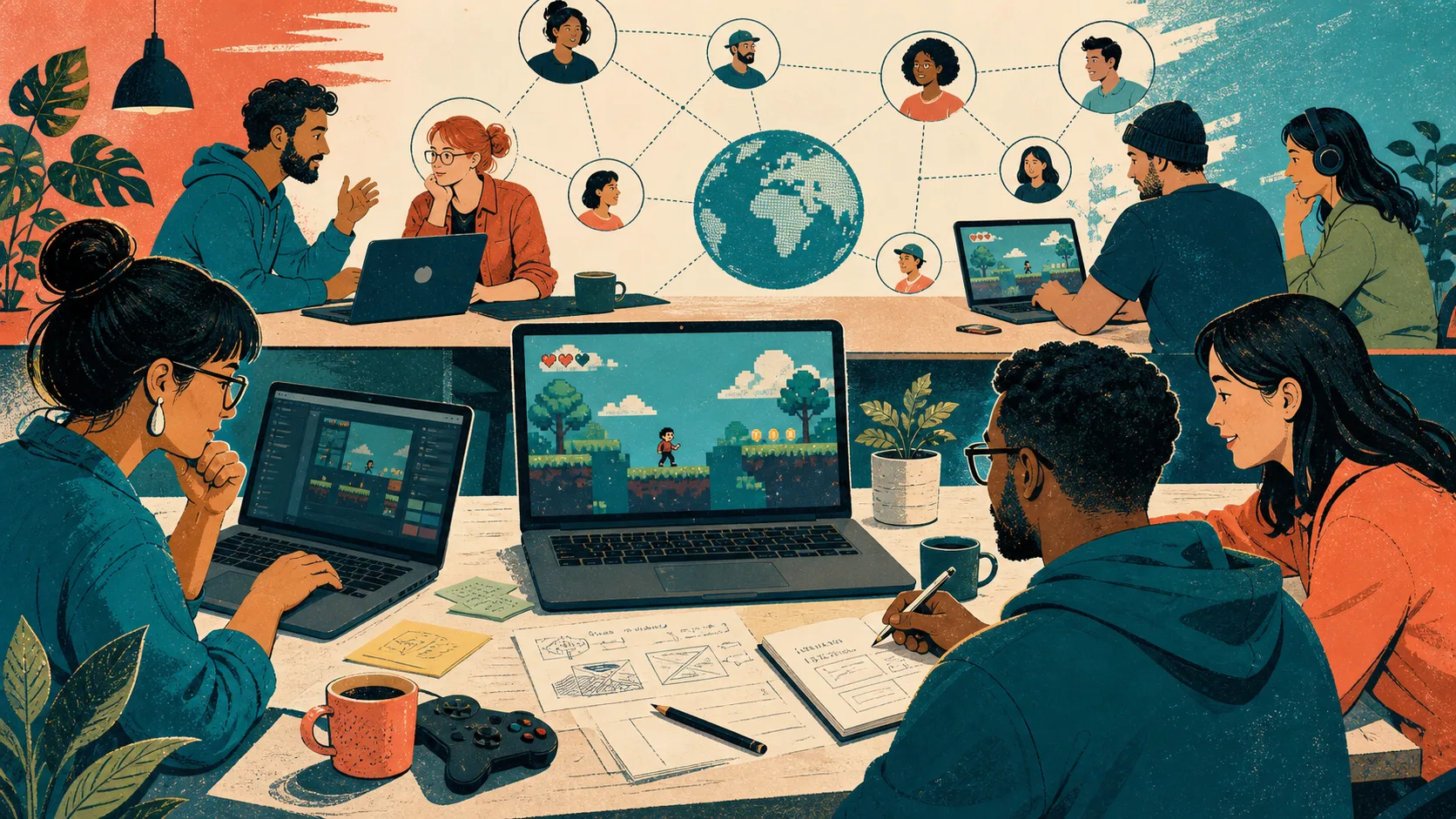
How Browser Games Build Communities
Easy sharing, focused playtests and faster feedback for small teams.
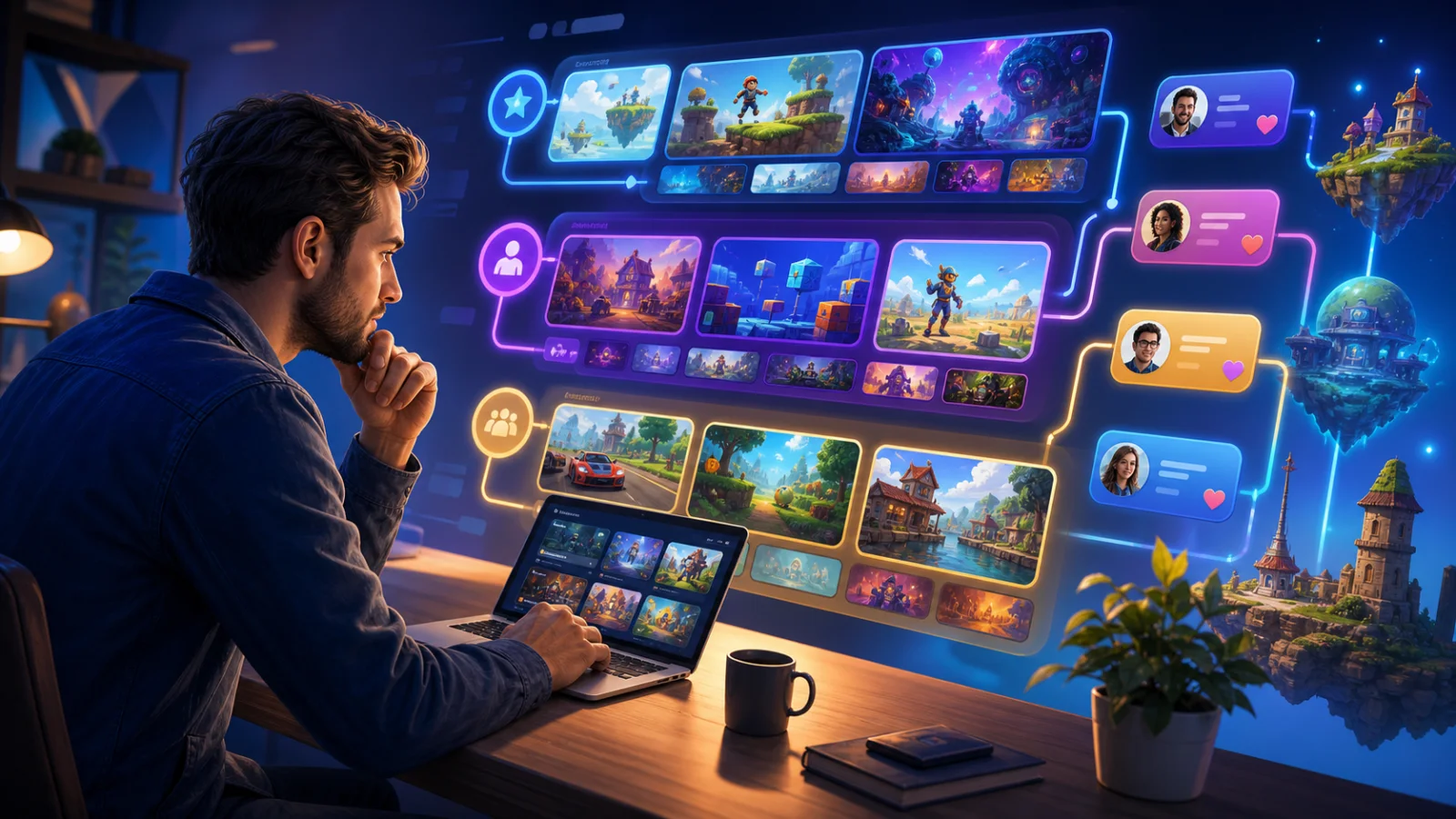
Where to Find Good Free Browser Games
Creator platforms, interactive-fiction communities, demos and focused collections.
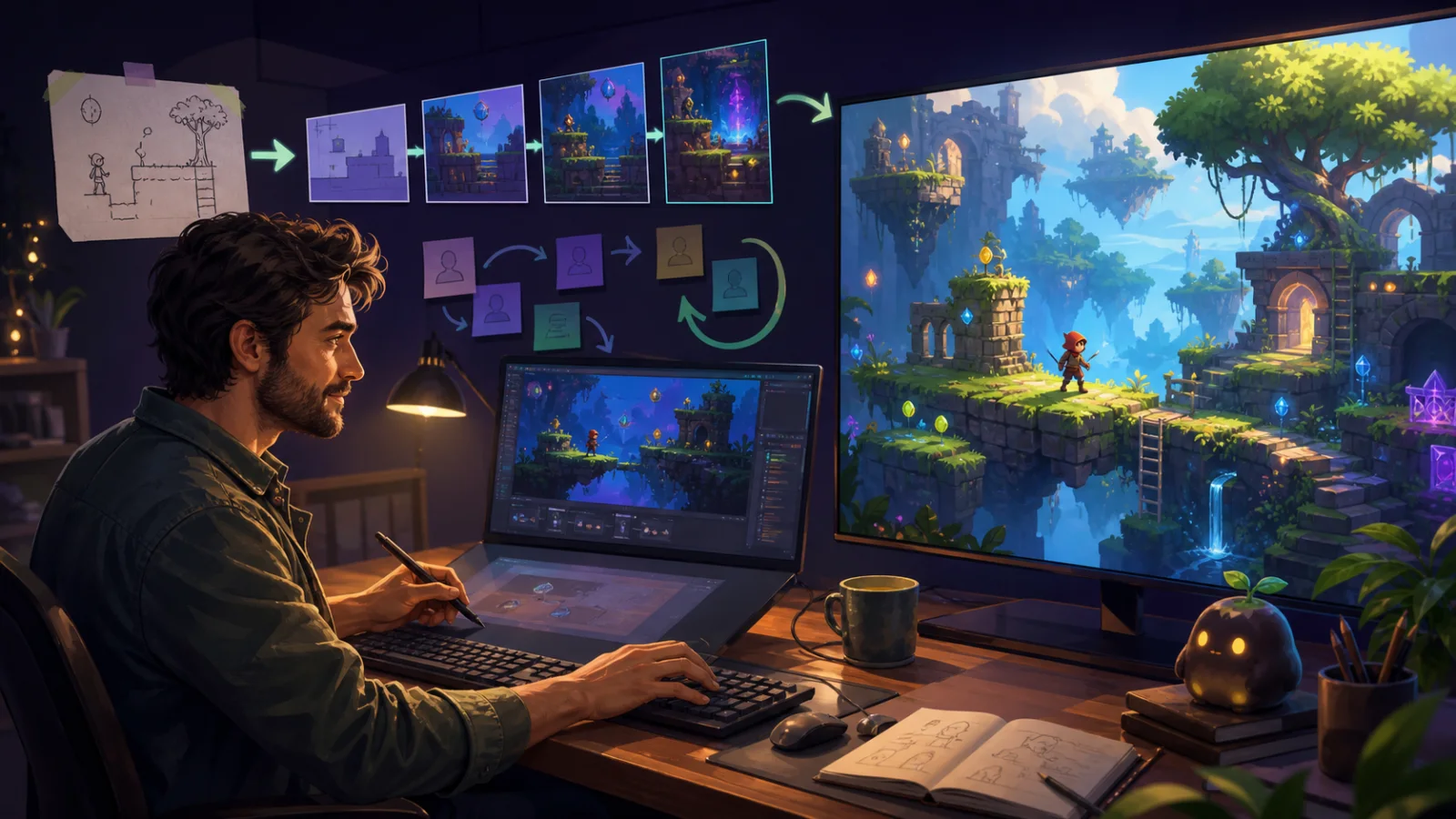
How Browser Builds Help Indie Games Grow
Test an idea, gather useful feedback and choose what to build next.
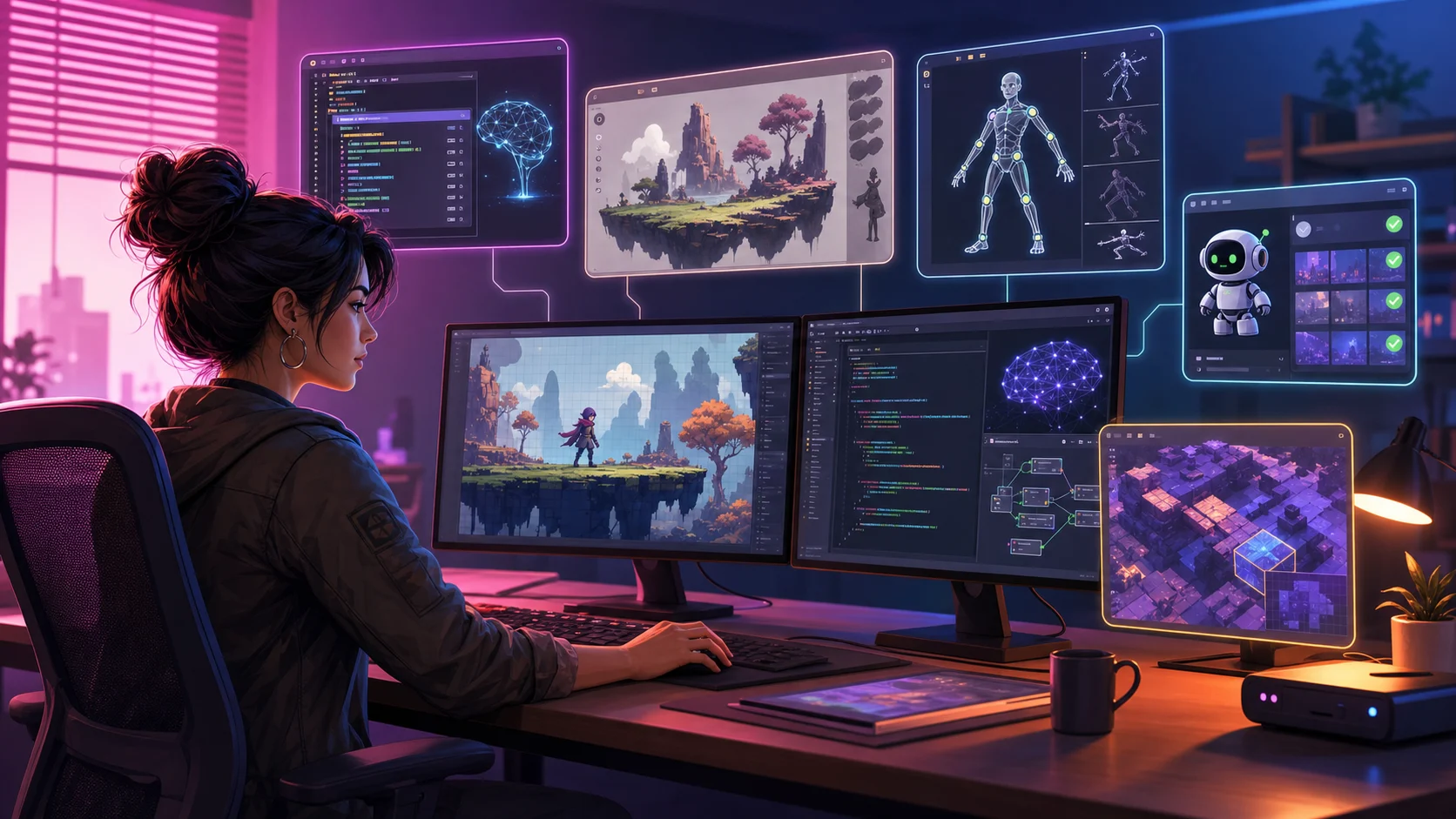
How AI Tools Help Indie Developers
Where assistants and automation save time—and where human judgment still matters.
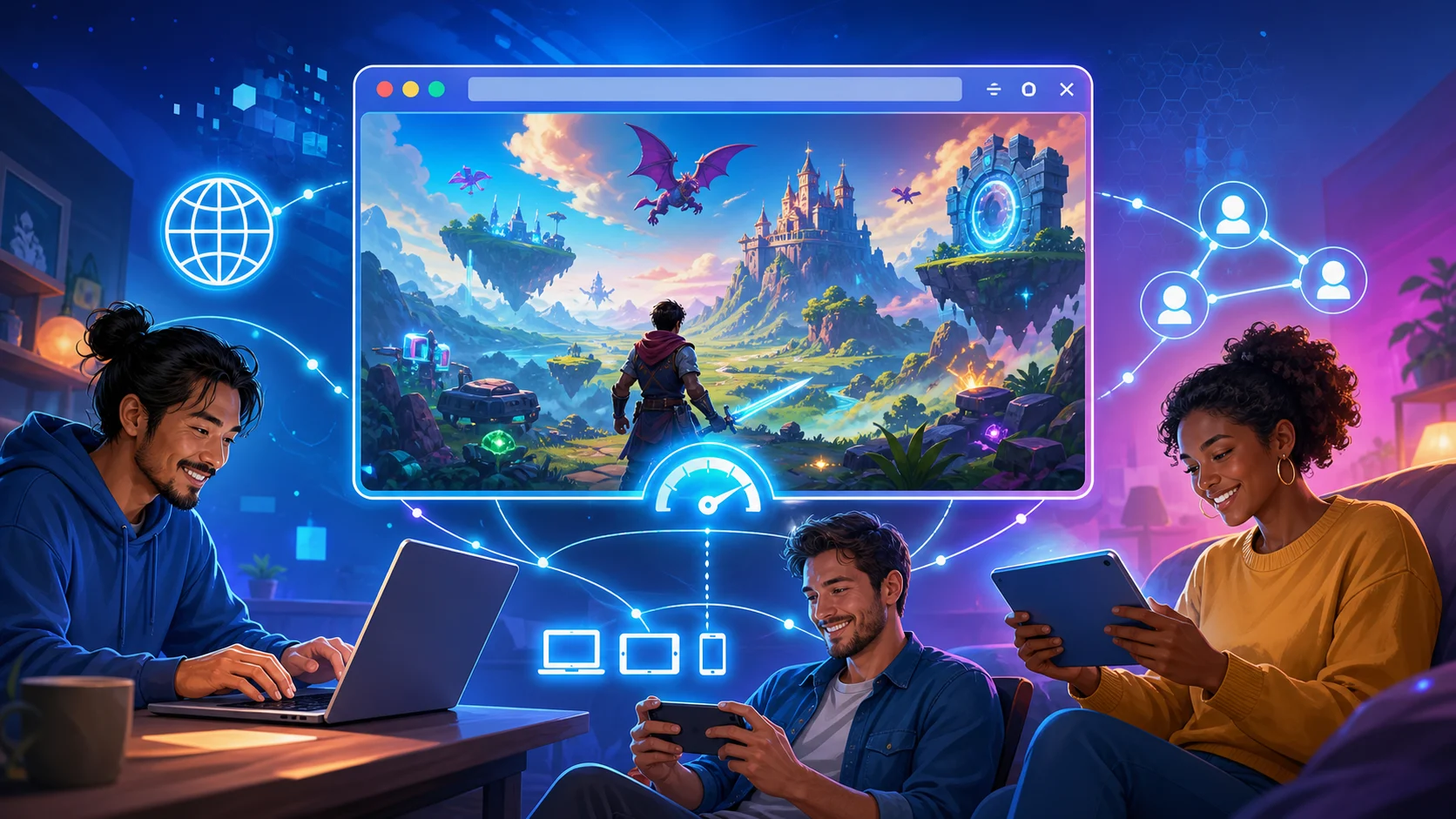
How Browsers Became Fun Again
Modern web standards, direct publishing and the appeal of instant access.

What Is a Ren'Py Game?
Why this engine is such a good fit for choice-driven stories.
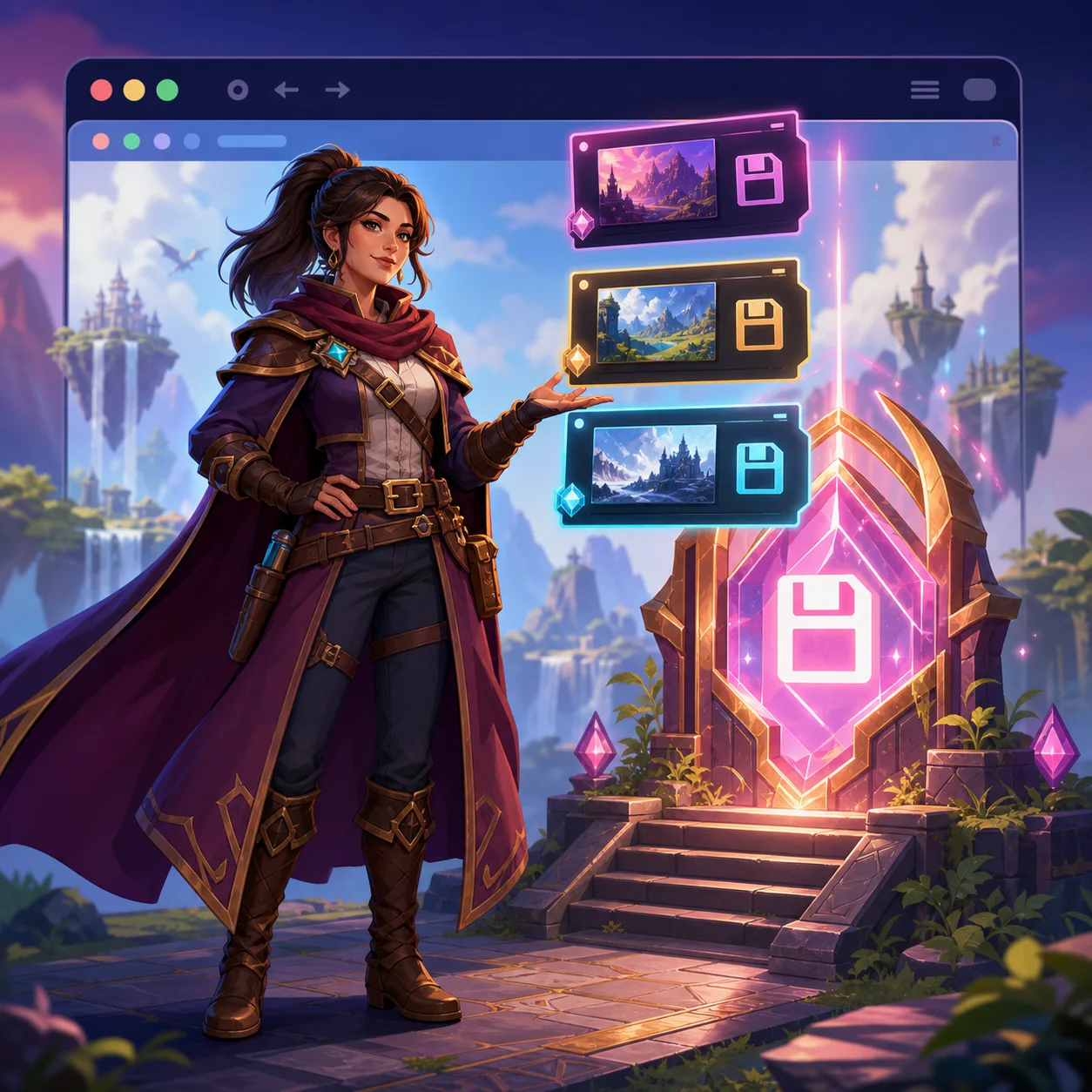
How Browser Saves Work
What stays on your device and why progress can disappear.
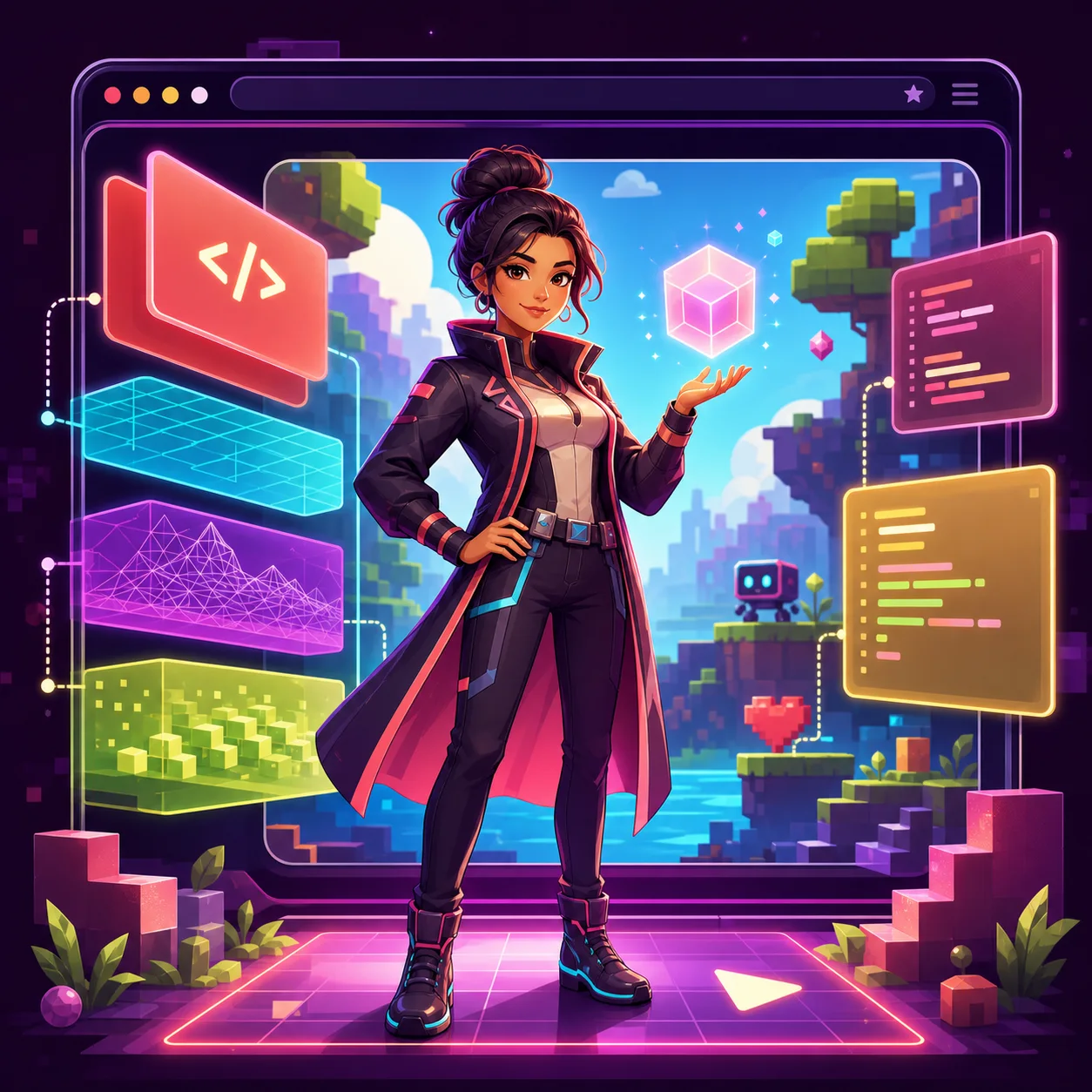
How HTML5 Games Run
Canvas, WebGL and the meaning of “no download.”